
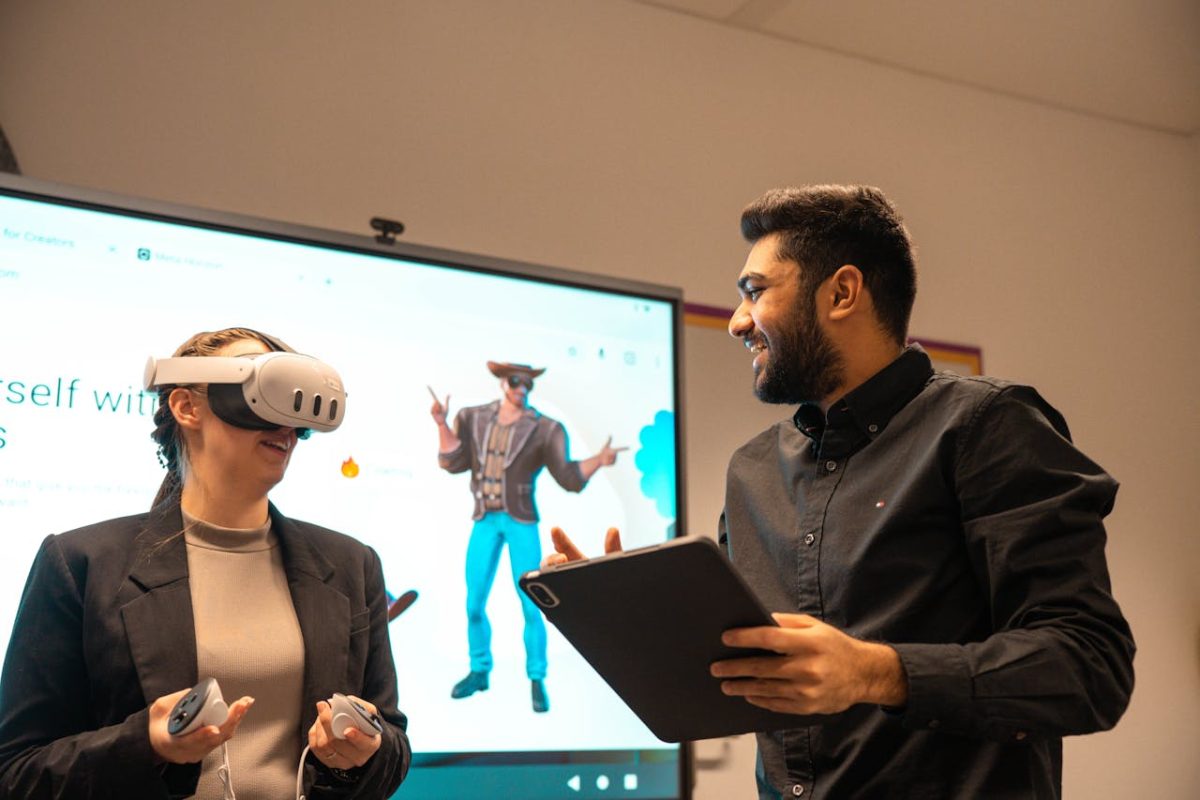
Immersive technologies offer new ways to engage learners and create transformative experiences. But with innovation comes responsibility. Using the Association for Learning (ALT)’s Framework for Ethical Learning Technology (FELT), we explored some of these issues in a community event for the ALT/ Jisc XR community, with 68 attendees. The work into this area was inspired by the Ada Lovelace report, Reality Check, which examined some of the challenges within the field of immersive technologies.
Key takeaways from our case study
Ethics first: use immersive technologies with care, transparency, and respect for learner autonomy.
Evidence over hype: base XR adoption on research not assumptions.
Accessibility matters: offer alternatives for learners who cannot or choose not to use XR.
Privacy is critical: be mindful of biometric and behavioural data collection.
Community and collaboration: share knowledge, research, and resources to build ethical and inclusive practices.
Design for diversity: avoid stereotypes in avatars and content and ensure XR experiences reflect varied identities.
Wellbeing counts: XR should complement human interaction and support.
We explored each of the four sections of the FELT framework (awareness, professionalism, values, and care and community) and discussed as a group how you could apply these principles to immersive technology. In each section, we introduce the principles of the framework, followed by the outputs of our discussion.
1. Awareness
The first section of FELT is awareness. It is about questioning, listening and staying open to new/ different perspectives. It covers:
- “Respect the autonomy and interests of different stakeholders
- Be mindful, reflective and reflexive
- Think critically about your practice and consider the wider environment(s) you can influence
- Recognise the limits of one’s own knowledge and the possibility of unconscious bias”
Areas discussed in the workshop included:
1.1. Horizon scanning
Before starting an XR project, review existing research and share findings with the wider education community. Evidence helps shape decisions and avoids repeating mistakes. Examples of research undertaken and shared in the session from community members included:
- Virtual reality in the HE classroom: feasibility, and the potential to embed in the curriculum (Detyna, M., and Kadiri. M. 2019)
- Current perceptions of Virtual Reality Technology (Hornsey, R.L., and Hibbard, P. 2024)
- Experiential learning through virtual reality by-proxy (Veitch, N., Donald, C., Judge, A. et al., 2025)
1.2. Turn insights into conversations
Once existing research is considered, make your own work visible. Events, newsletters, and showcases are more than updates, they create opportunities for discussion and collaboration. They also help XR become part of a wider conversation rather than an isolated initiative.
The University of Leeds hosts termly XR showcases in its HELIX building, giving staff and students a space to share projects and explore ideas. Keeping up with sector discussions and emerging research ensures your approach reflects current thinking.
2. Professionalism
The professionalism section of FELT focuses on acting honestly and responsibly as part of your professional practice. It includes:
- “Demonstrate accountable, evidence-led practice
- Commit to ongoing professional development and enhancing your skills
- Act with integrity and honesty
- Ensure practice complies with relevant laws and institutional policies
- Apply knowledge and research to advocate for and enhance ethical approaches”
Areas discussed in the workshop included:
2.1. Make evidence-led decisions
Technology should enhance learning. Participants stressed the importance of only using immersive technology when needed. Using XR should be based on evidence, not assumptions or hype. It is about asking:
- Does XR help students learn more effectively than other methods? And why?
- What data have we collected to support this?
Small pilots/ proofs of concept can demonstrate the value of immersive technologies before large-scale investments are made. For example, some members shared how they assessed low-cost approaches like using GoPro 360 cameras on mannequins to record scenario-based learning. Hosting content on open platforms such as A-Frame makes it accessible on mobile devices, reducing reliance on expensive headsets.
2.2. Keeping data secure and private
Immersive technologies can collect highly sensitive data, including biometric, behavioural, and spatial information. This may include eye movements, facial expressions, heart rate, gestures, and location.
Research from IEEE (2021) warns that when combined and analysed using AI, these data points can even be used to predict/ infer identity, behaviour and activity of a person.
This raises privacy concerns beyond those of traditional learning technologies. Institutions should review GDPR and their own data protection policies and check how vendors manage biometric data. Where possible, choose solutions that minimise data collection or allow local hosting. It is also important to consider how data is stored, who has access, and whether learners understand what is being collected (and whether they have the option to opt out).
3. Values
In this section, FELT asks us to design and use technology in ways that:
- “Support the agency and development of learners
- Promote fair and equitable treatment, enhancing access to learning
- Develop learning environments that are inclusive and supportive
- Celebrate diversity as a route to innovation
- Design services, technologies to be widely accessible
- Be accountable and prepared to explain decision-making
- Be as open and transparent as is appropriate”
Areas discussed in the workshop included:
3.1. Technology inclusiveness and learner choice
Immersive technologies can empower some learners while excluding others. Accessibility barriers such as cost, hardware requirements, and physical limitations are well documented. To uphold agency and fairness:
- Offer equivalent alternatives for learners who opt out of XR activities.
- Advocate for industry responsibility: XR content providers should make experiences viewable on alternative devices as standard.
The Reality Check report (Ada Lovelace, 2025) highlights that immersive technologies remain niche and often require expensive, cumbersome hardware. These barriers amplify inequities and make learner choice essential.
3.2. Promotion of wellbeing via experiences
XR can support wellbeing when used thoughtfully. One participant shared how immersive walls create calming spaces and conversation starters. However:
- XR should complement, not replace human interaction and support.
- Consider risks of sensory overload and cyber-sickness, which the report identifies as common usability challenges.
3.3. Visual personas
Representation matters. When creating avatars or visual personas:
- Avoid reinforcing stereotypes.
- Provide customisation options to reflect diverse identities.
The Ada Lovelace report warns that immersive environments can amplify bias if design choices are not inclusive.
Resources shared included:
XR accessibility user requirements
A guide to create accessible 360-degree videos
4. Care and Community
The care and community section of FELT covers the following considerations.
- “Practice care of oneself and others
- Promote collegiality and mutual understanding
- Minimise the risk of harms
- Recognise responsibilities and influence beyond your institution
- Share and disseminate best practice”
Areas discussed in the workshop included:
4.1. Building communities and consortia
Collaboration is central to ethical XR adoption. Working together across departments or institutions combines ideas, skills, and resources. It also reduces reliance on off-the-shelf applications that may not meet UK education needs and encourages shared standards.
The ALT/Jisc XR Community connects people across institutions to share ideas and stay informed about developments in immersive technologies. Some institutions have also created internal hubs for case studies and good practice, such as the Immersive Technologies Community at the University of the West of England. These networks help staff make better use of shared time, funding, and expertise.
The Reality Check report (Ada Lovelace, 2025) reinforces this: collaboration helps avoid dependency on dominant tech vendors and ensures XR aligns with sector interests.
4.2. Immersive simulations to encourage inclusion
The use of immersive simulations was also highlighted as a way of allowing learners to experience diverse perspectives. Immersive storytelling can build empathy and reduce bias which will help increase community and mutual understanding. However, if off-the-shelf experiences are used, it is important to make sure that they don’t perpetuate or accentuate stereotypes. When designing empathy XR experiences yourself, it’s crucial to include the voices of the people or communities represented. These groups should be involved in the design process to ensure authenticity and avoid misrepresentation.
Immersive simulations were also highlighted as useful for international students perhaps because of the ‘at your own pace’ learning element of the material.
Conclusion
Immersive technologies have the potential to enrich learning, but their adoption must be guided by ethics, evidence and inclusivity. The conversations in our community reminded us that success depends on respecting learner choice, protecting privacy and reducing barriers. These are cultural and ethical challenges as much as technical ones.
Collaboration and openness matter. Sharing research, building communities, and designing with care can help XR support education rather than deepen inequalities. As XR becomes more common, the question is not simply can we use it? but how should we use it responsibly?
With thanks to members of the ALT/Jisc XR community who attended and shared their experiences and resources.
If you’d like to explore this area further, you can also read a guest post from one of our community steering group members, Matthew Coxon, Putting Students First: Ethical Extended Reality Practice at York St John University.